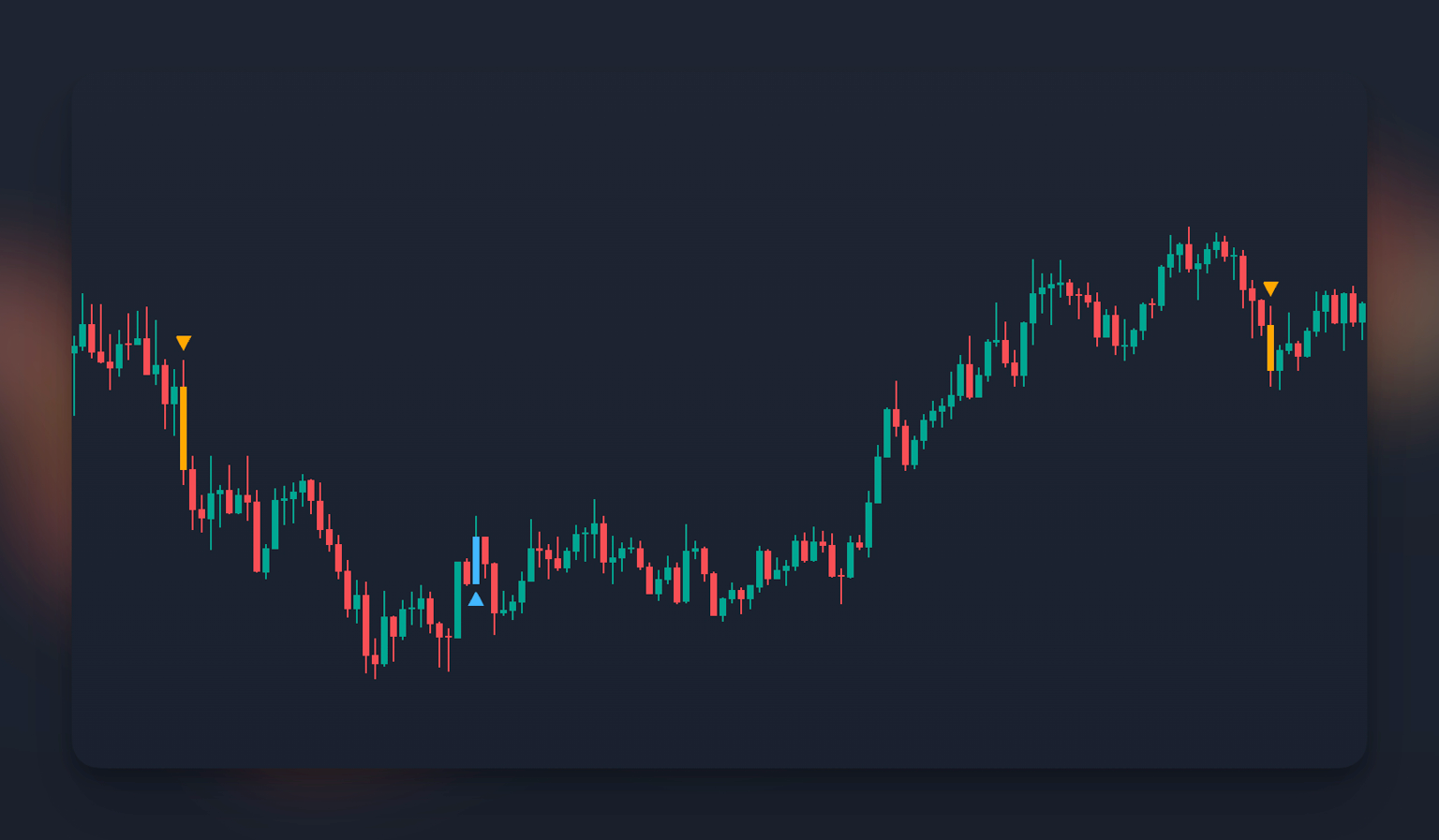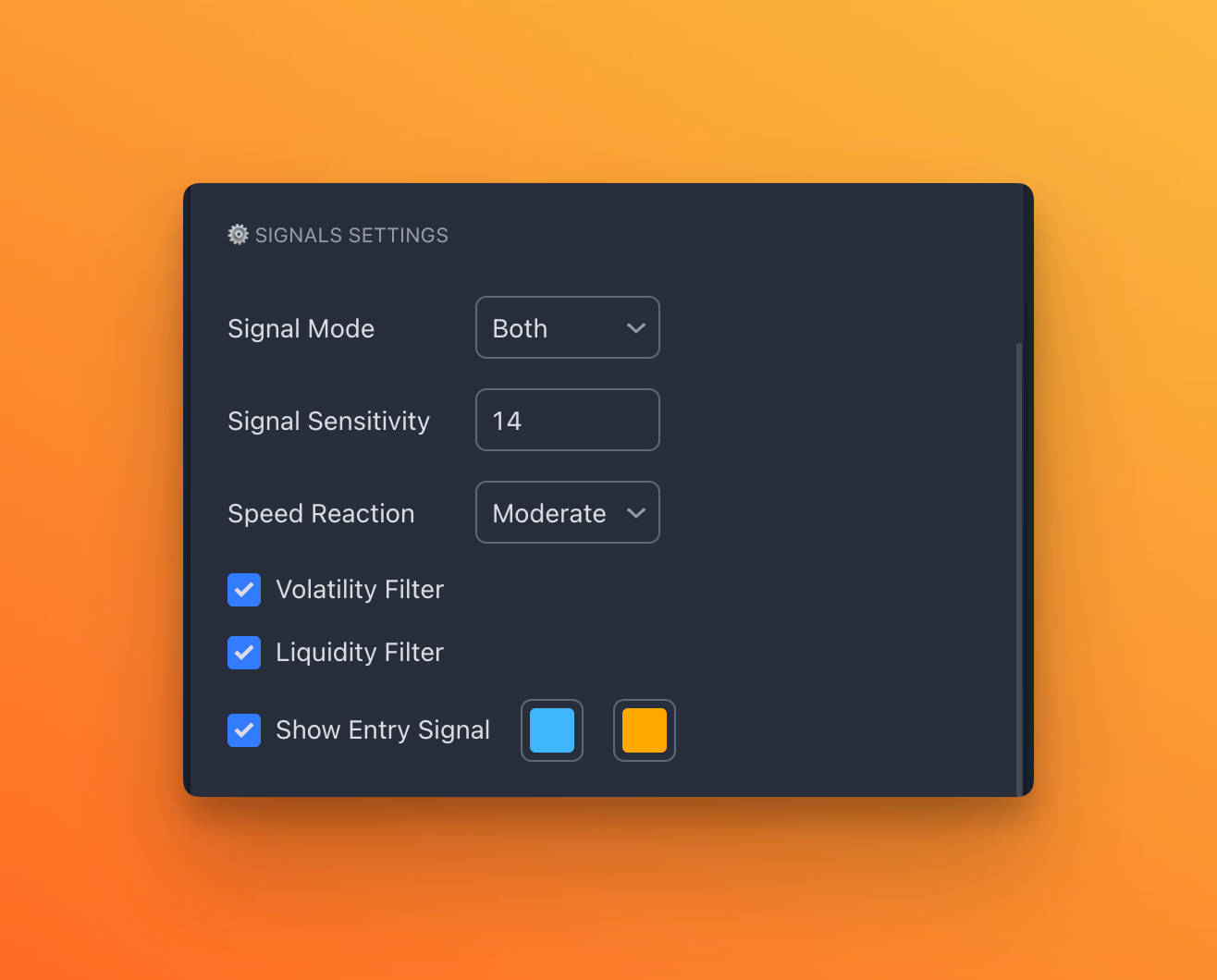
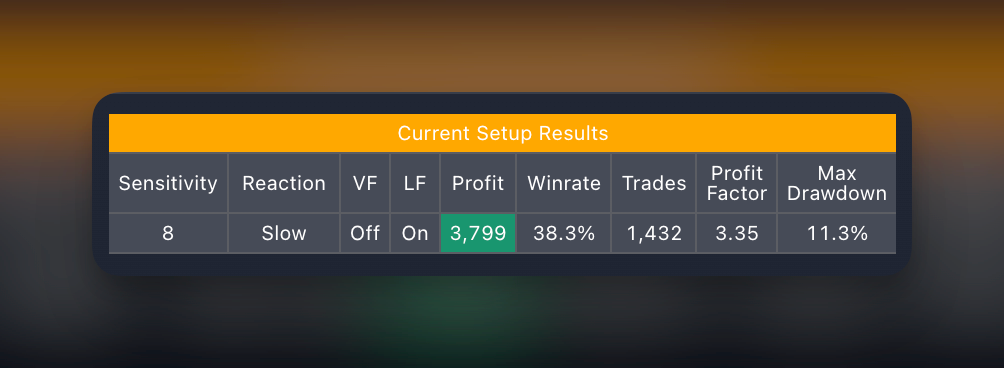
Signal Mode
When selecting a specific direction in which you want to trade, our algorithms adjust to your request and calculate the most optimal and profitable settings specifically for that trading direction.
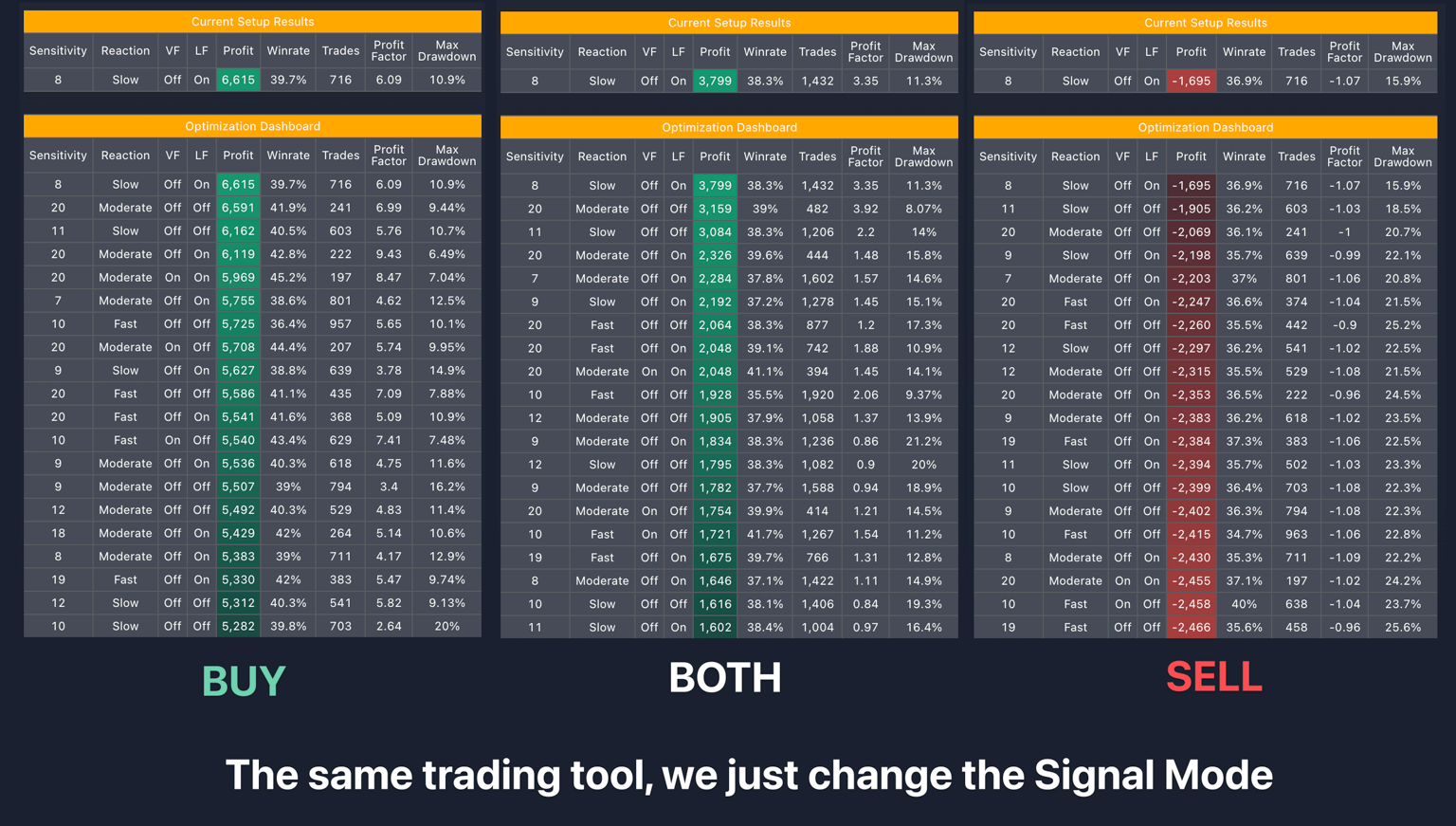
For example, if you want to only buy an asset on a specific instrument, you can select the Buy setting, and in the dashboard, you will see the best settings only for buying the asset. The profit will also be calculated accordingly, assuming that we only bought the asset. The exit point would be either the opposite signal or the take profits set in the settings of this backtesting below.
The profit and performance results on the history can vary depending on the selected trading mode, either in both directions or only for selling or buying the asset.
Signal Sensitivity
This is a copy of the Sensitivity settings from the main Signals Master indicator, and by changing this value, you can see the backtesting metrics on the history based on the current settings.Speed Reaction + Filter
This is also a copy of the Reaction to Market Oscillations settings and filters used on the chart. By changing these settings, you can see the metrics of any strategy you want to manually adjust in the dashboard.Show Entry Signal